Overview
Effort: medium
Best for: customer support teams, ecommerce managers
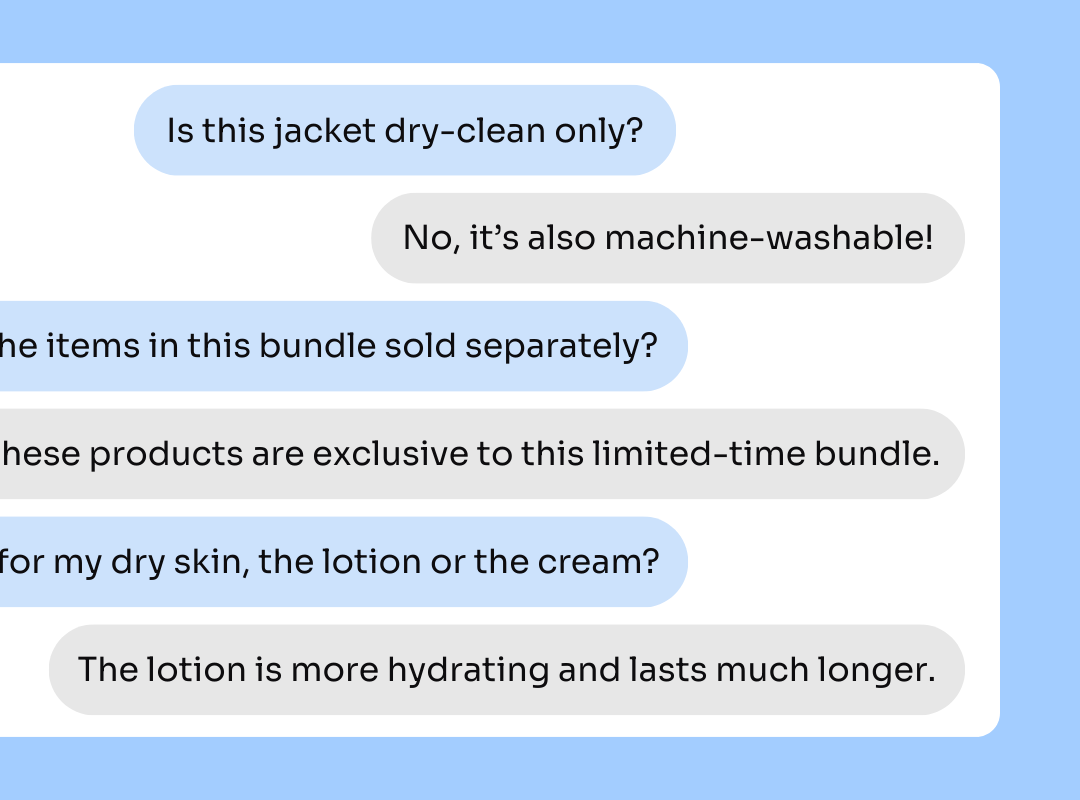
Too often, product pages feature vague descriptions and generic FAQs that don’t actually address real customers’ questions and concerns. Enable community Q&A so customers can directly submit inquiries that either you or other customers can answer on your behalf. Answered questions can be displayed in your main reviews widget.
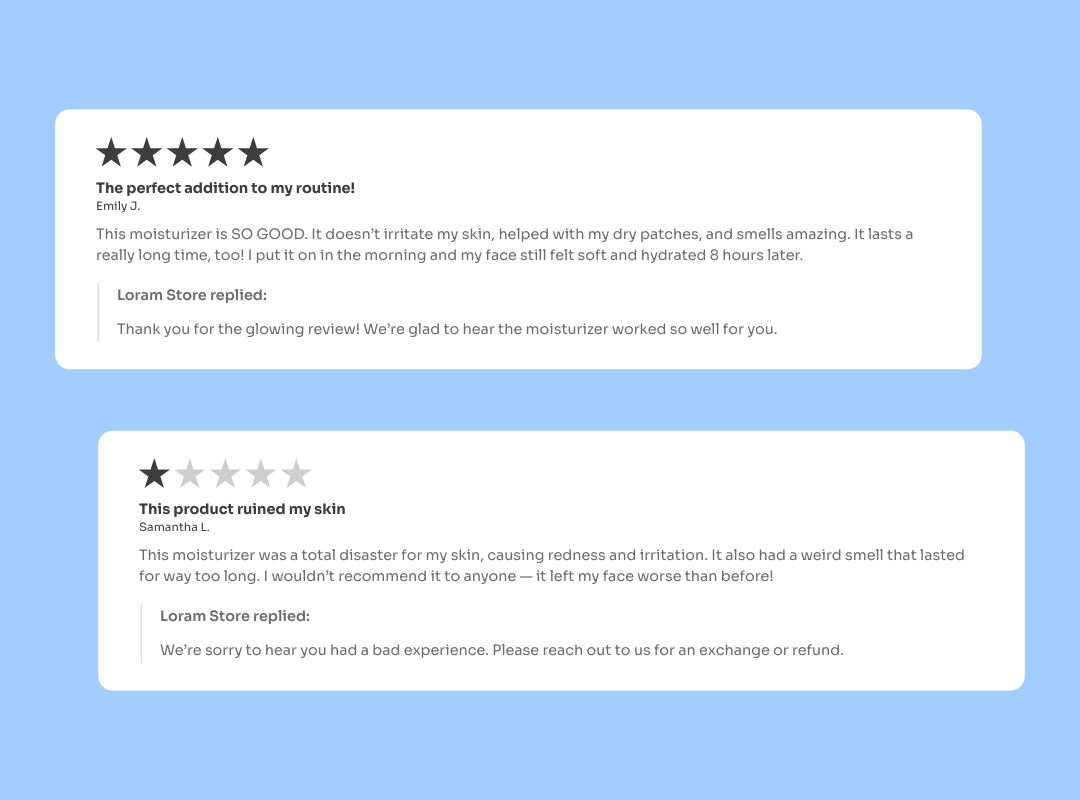
Future customers will not only get the context they need to make an informed purchase decision, but they’ll also find your brand inherently more trustworthy. 57% of customers are unlikely to engage with a brand if they don’t reply to reviews or questions.
Best Practices:
- Submit and answer your own questions to start things off
- Add the Q&A badge to your reviews widget and product pages
- Sync questions to your help desk for support team management
Goals
- Build customer relationships
- Improve user experiences
- Inform purchase decisions
Key Benefits
- Collect business intelligence on what customers care about
- Set clear expectations for future customers to reduce churn
- Improve brand reputation with trust signals and engagement
View help documentation →