Overview
Effort: low
Best for: customer support teams
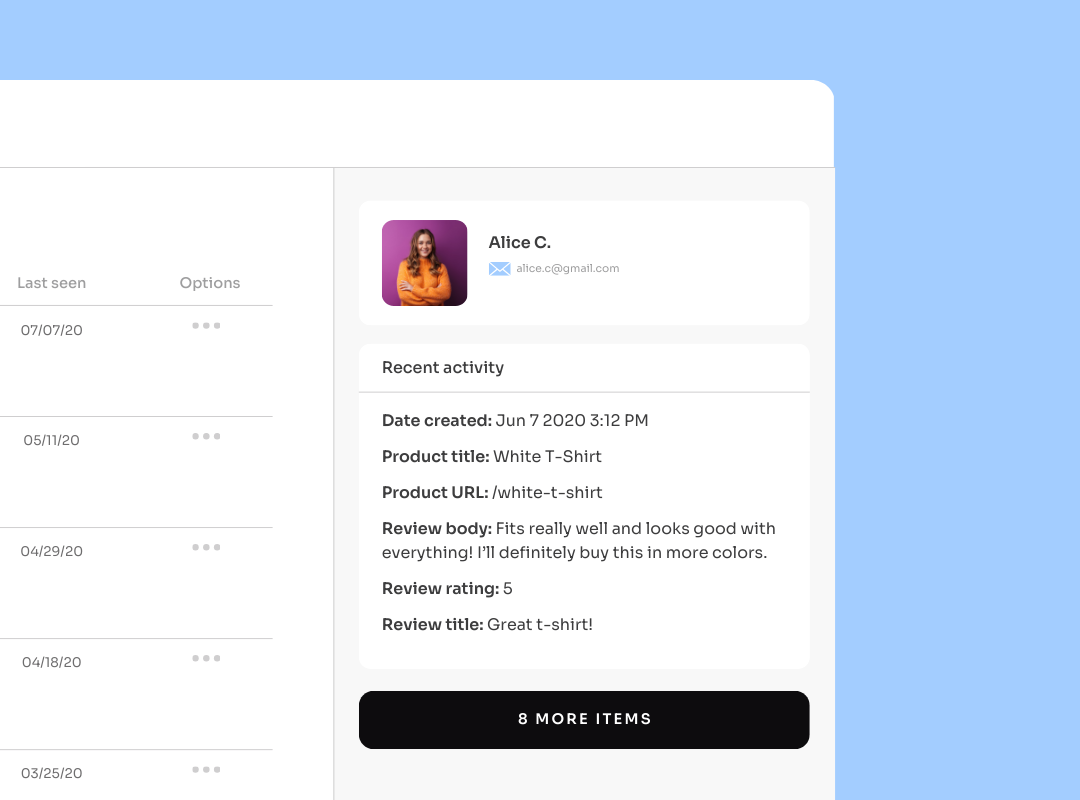
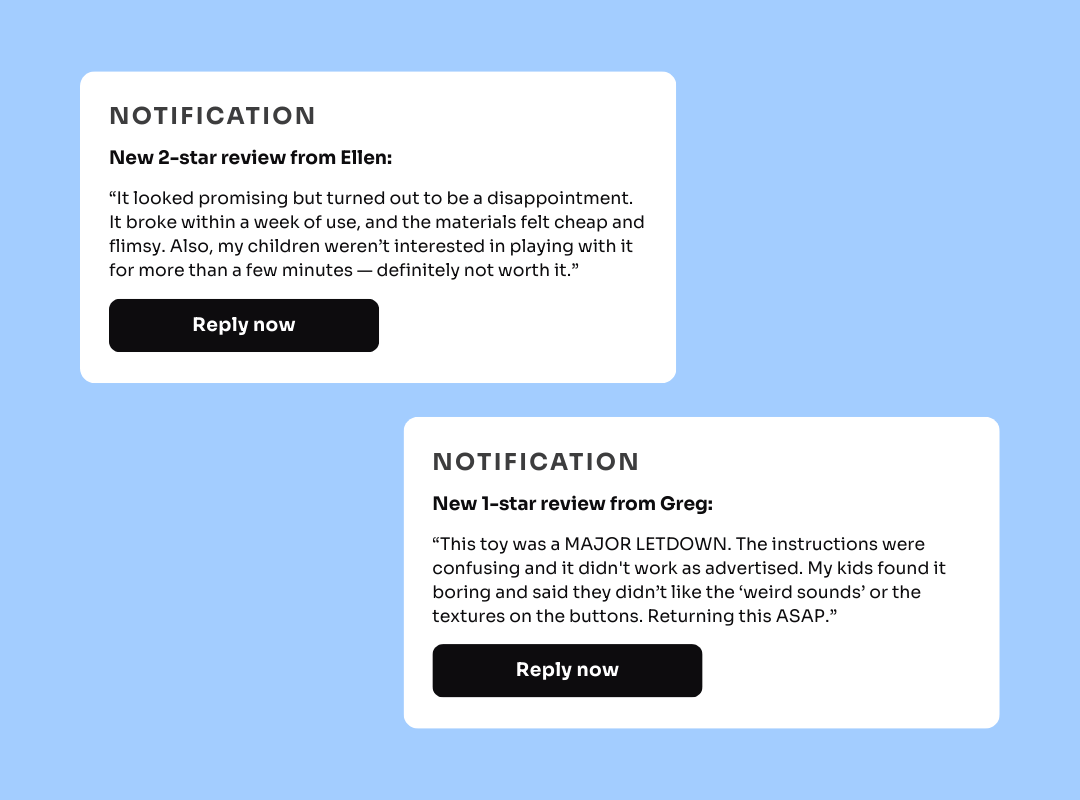
Missing out on negative reviews means missing opportunities to resolve customer issues and keep them from never coming back. Set up email notifications for reviews that are three stars or below for proactive customer churn prevention. Notify your support team when a customer has a poor experience so they can help to set things right.
Customers expect brands to respond when they leave a negative review — not necessarily with a discount code or a refund, but with an apology and suggestions for how you can improve for next time. Notifications help your support team move faster and more efficiently.
Best Practices:
- Send notifications for negative reviews to a dedicated support inbox
- Notify your marketing or product teams about positive reviews
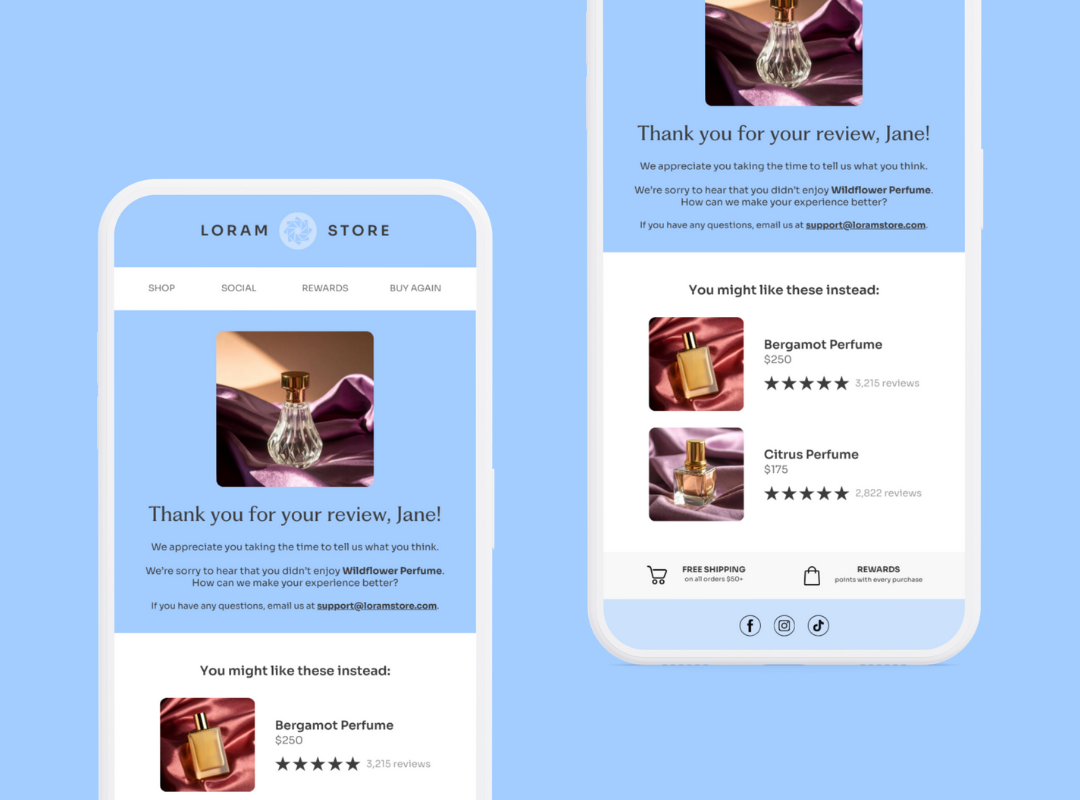
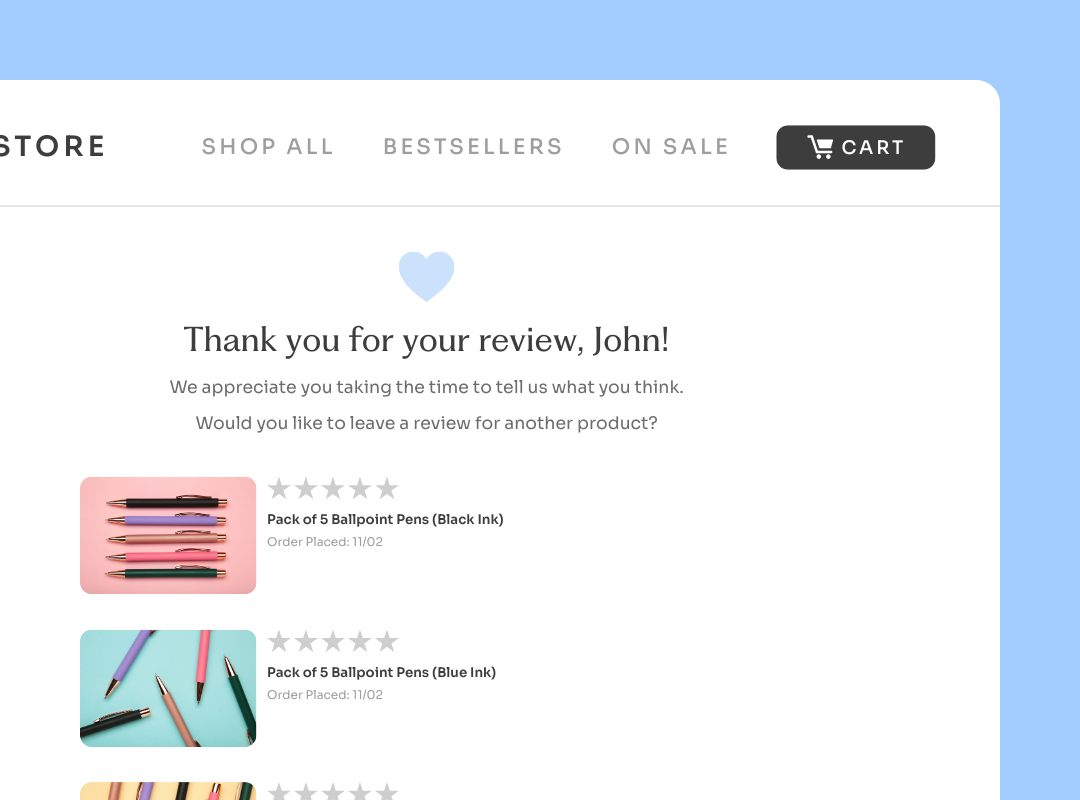
- Create an automated post-review email or SMS flow for negative reviews
Goals
- Improve user experiences
- Prevent customer churn
- Reduce team workload
Key Benefits
- Decrease response time for negative customer reviews
- Reduce the need for manual reviews analysis with proactive automations
- Resolve issues that keep customers from returning to make another purchase